Appointed Times
Never miss an appointed time.
A feast calendar and alarm app for the biblical appointed times of Leviticus 23, with today's Hebrew date, sunset-accurate alarms and a Hebrew–Gregorian date converter.
The idea
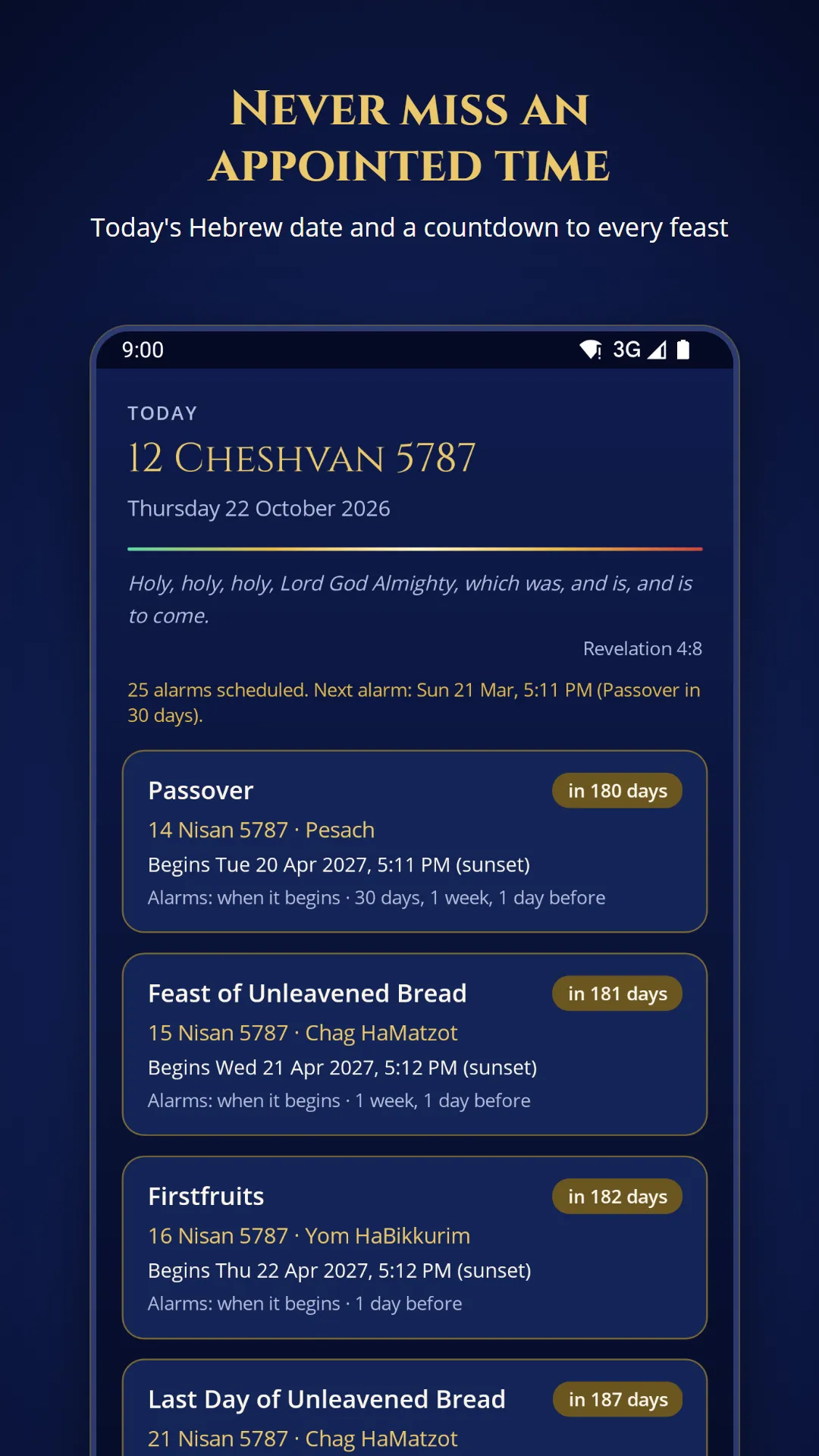
The appointed times in Leviticus 23 follow the Hebrew calendar, and each one begins at sunset the evening before. That makes them easy to miss: the dates move every year, and the start time depends on where you are. Appointed Times puts today’s Hebrew date on the first screen, counts down to each feast, and sounds an alarm when one is about to begin.
What it does
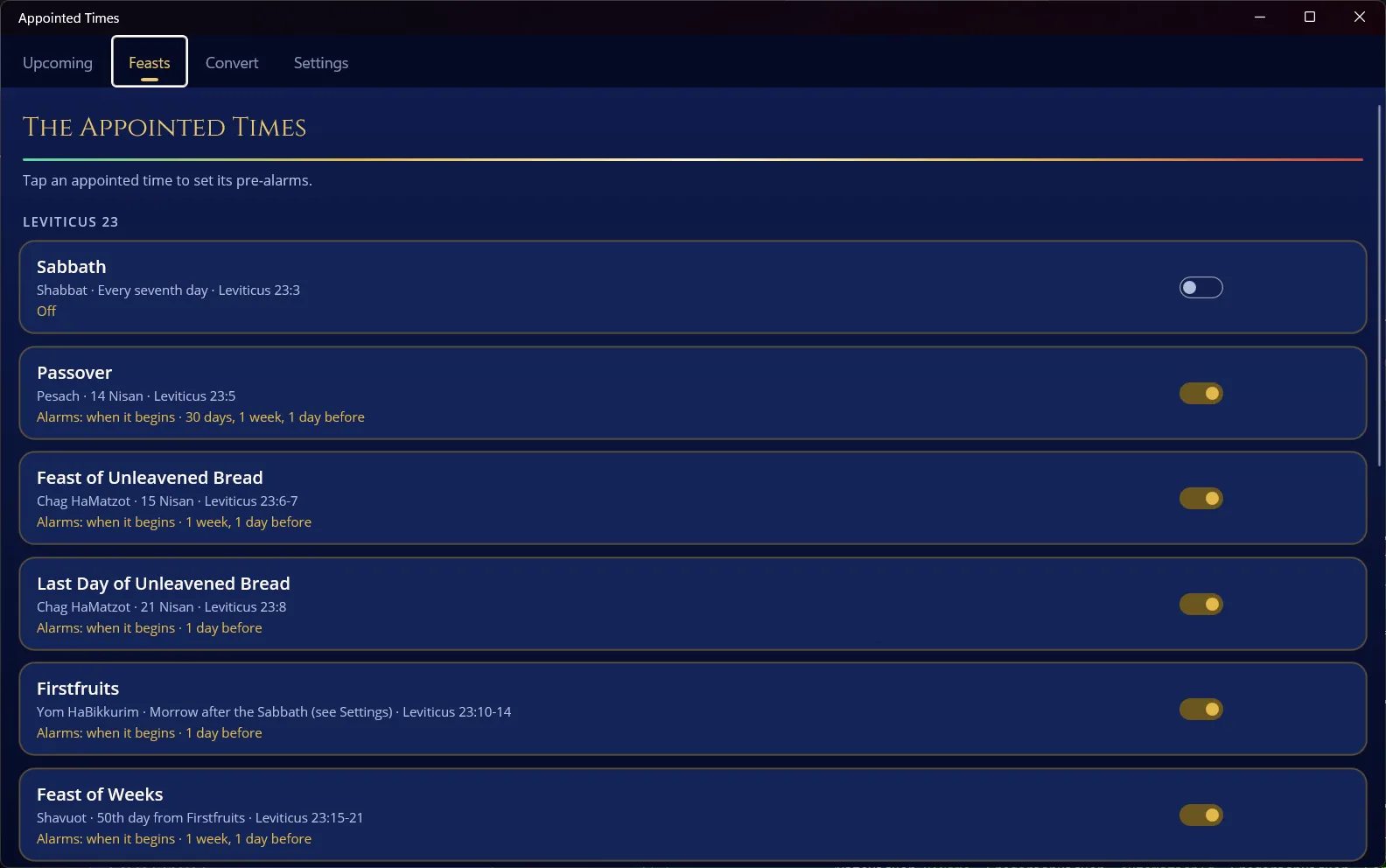
- Upcoming: today’s Hebrew date, a verse for the day, and a countdown to every appointed time you follow.
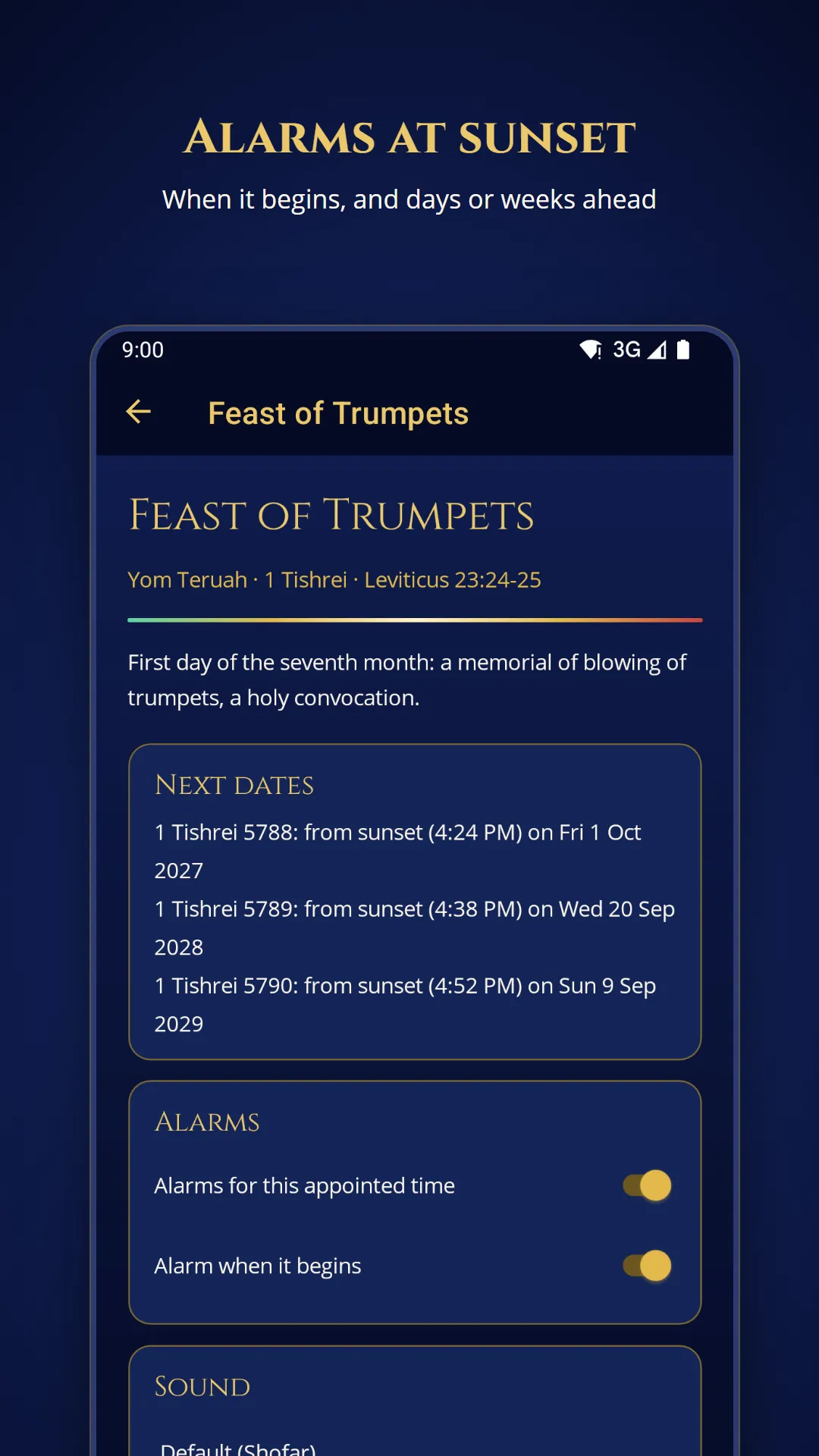
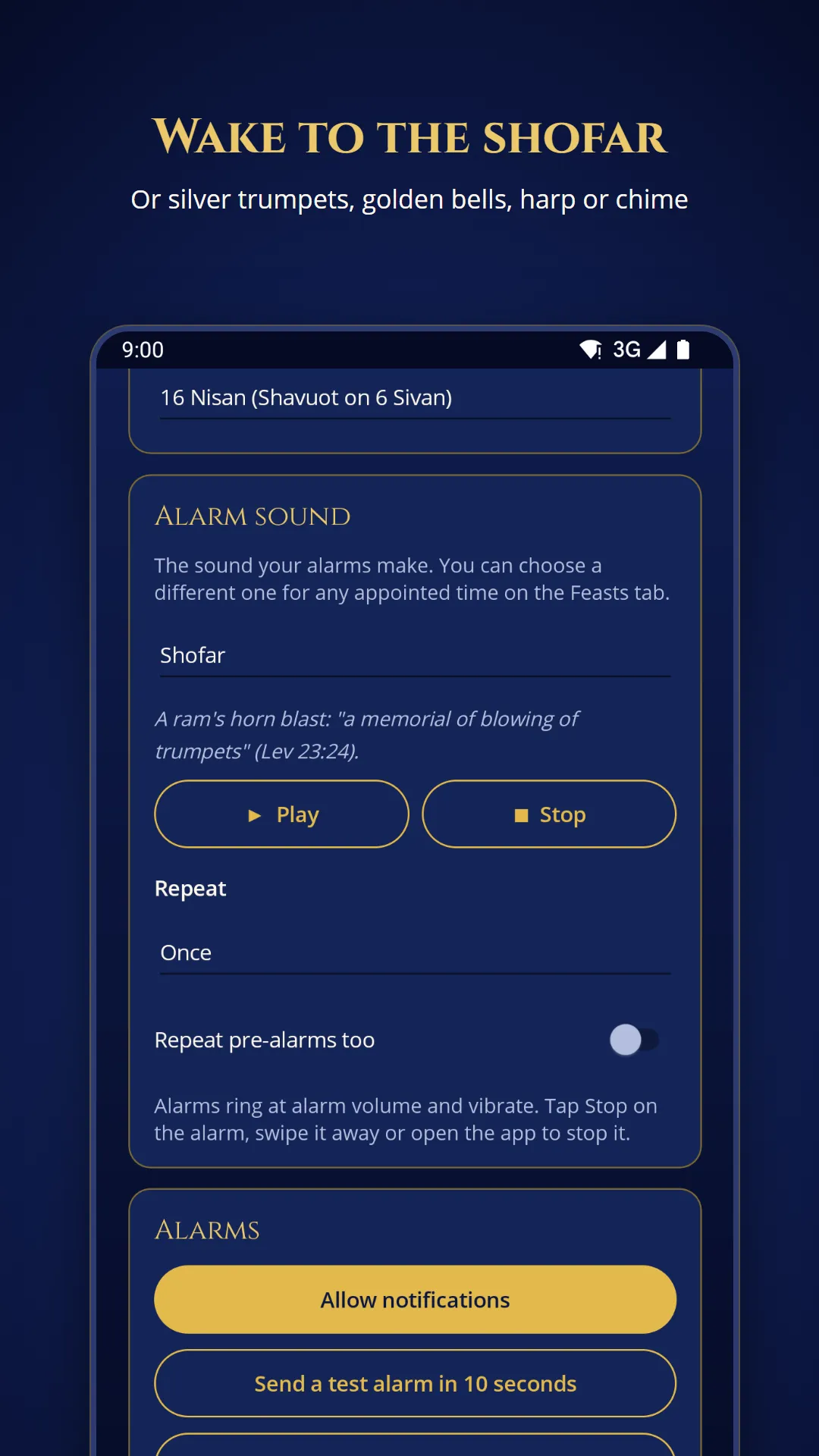
- Alarms that behave like an alarm clock: ring once, a set number of times, or until you press Stop. They work with the app closed, after a restart, and when the time zone changes. Sounds include a shofar, silver trumpets and golden bells.
- Sunset where you are: set your location and each feast begins at your local sunset. Without a location, you choose a fixed start time.
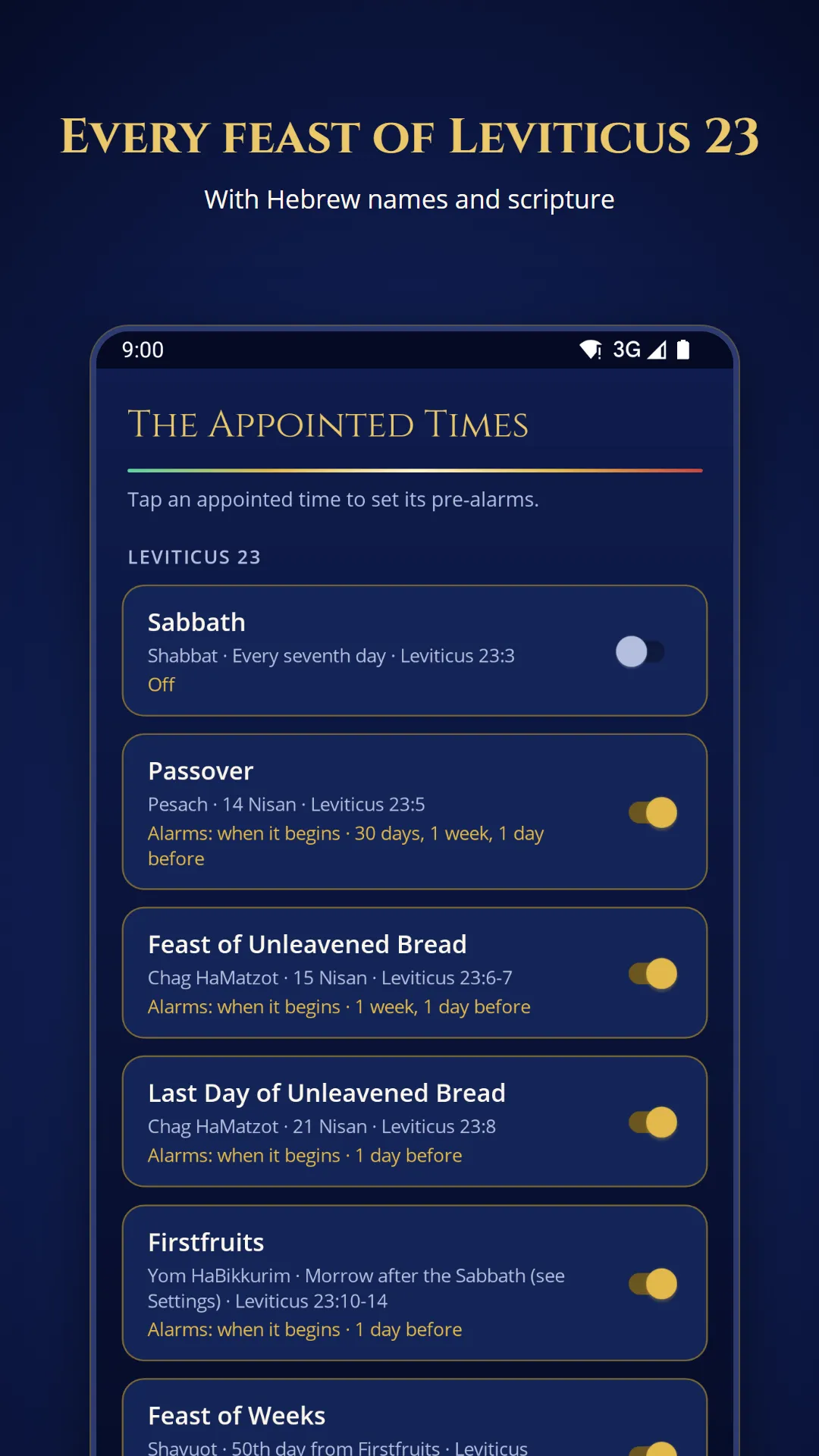
- Reminders ahead of time: up to 30 days, a week or a day before each feast.
- Your reckoning: count the omer from 16 Nisan, or from the Sunday after the Sabbath in Unleavened Bread. This also sets the date of Shavuot.
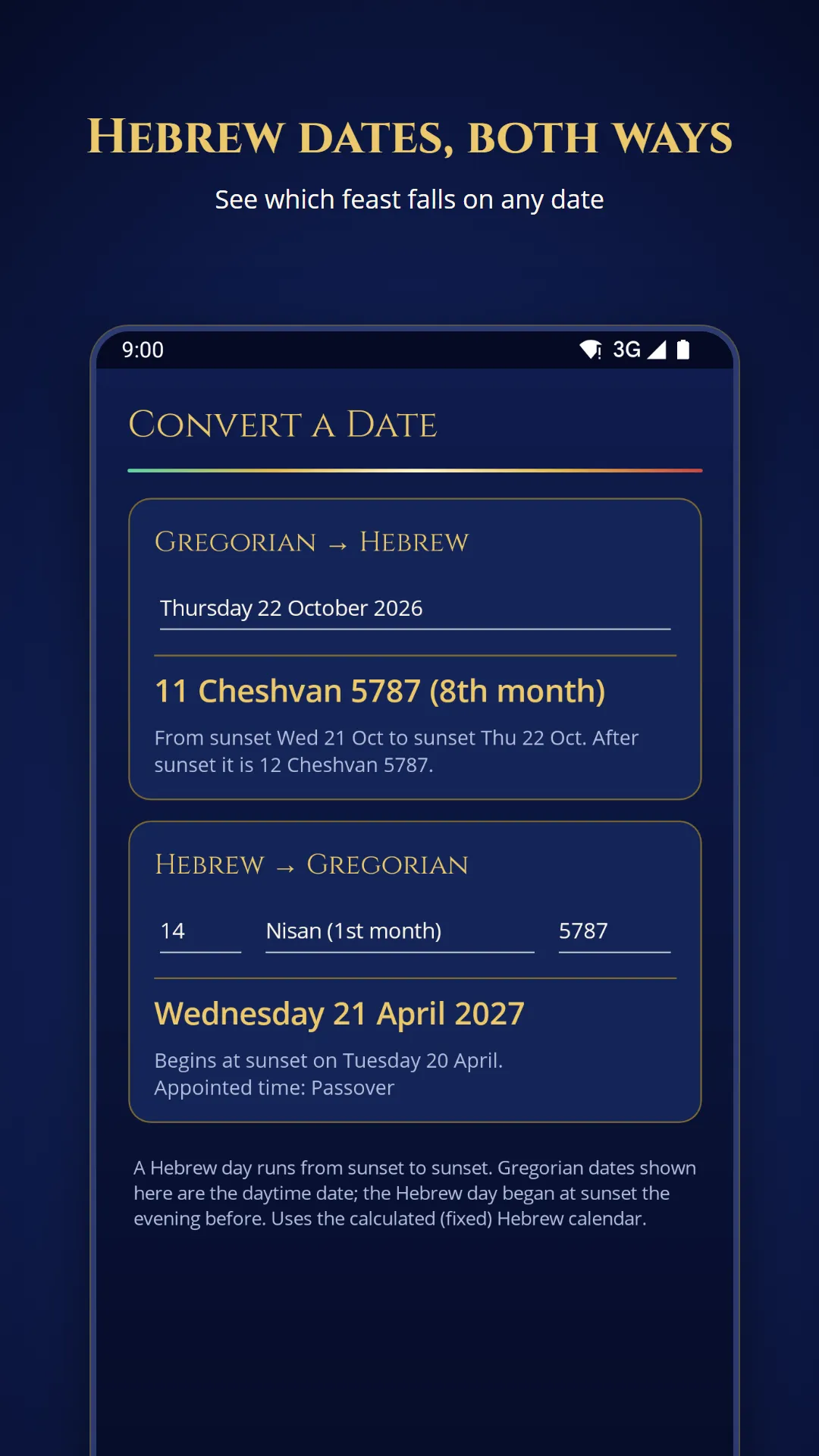
- Date converter: Gregorian to Hebrew and back, including the leap-year month of Adar II.
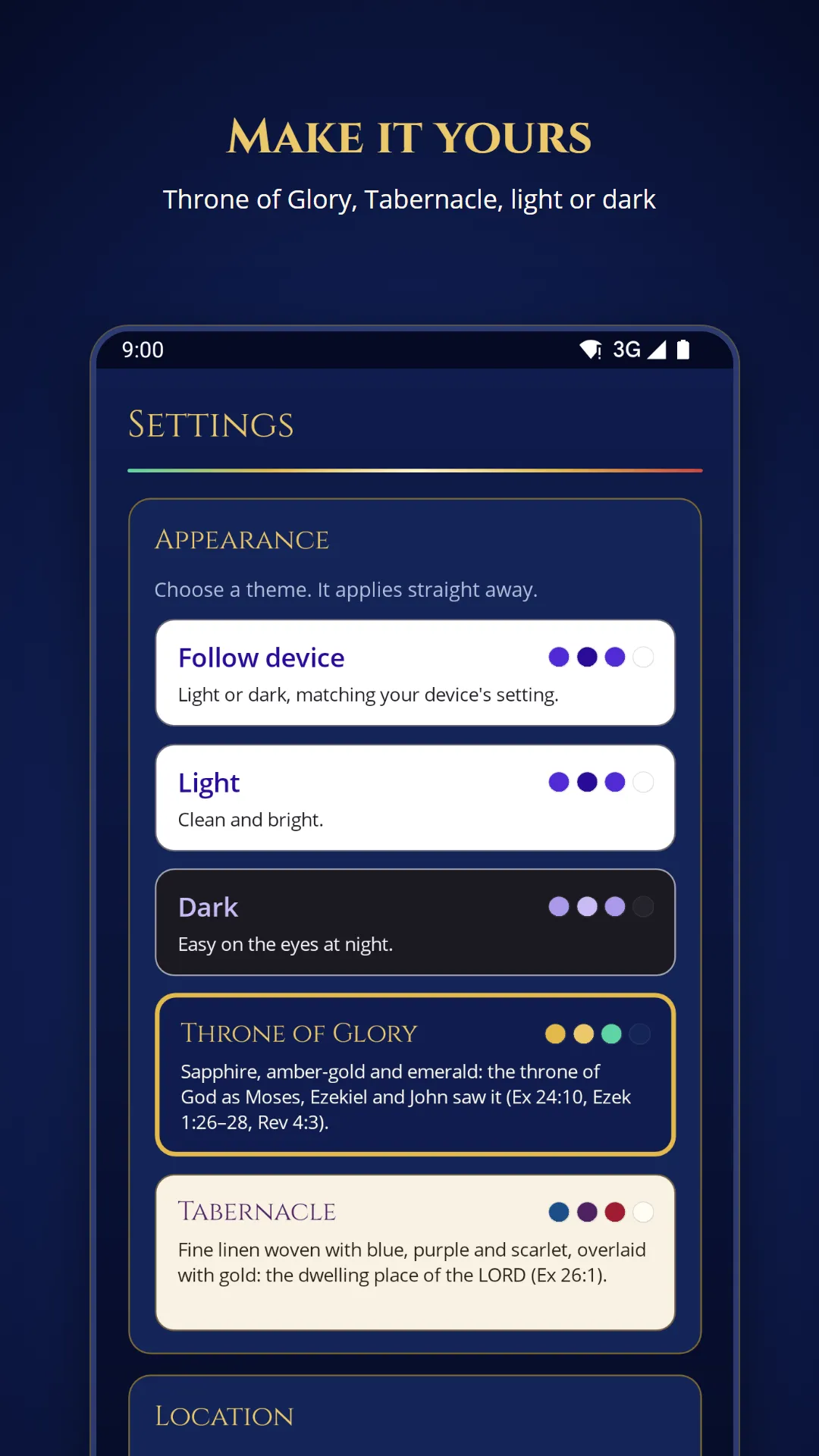
- Themes: light, dark, and two richer themes, Glory and Tabernacle, inspired by the colours of the Tabernacle.
How we built it
The calendar logic lives in its own .NET library, separate from the app. That library covers the Hebrew date arithmetic, the sunset calculation, feast rules and the alarm planner, and it has its own unit tests. The app itself is a single .NET MAUI project with a thin layer of platform code where each system works differently. Android rings alarms through a foreground service, Apple devices use repeating notifications, and Windows uses scheduled toast notifications.
Alarms are the part that matters most, so they’re tested on a real Android system. Automated UI tests schedule an alarm, leave the app as a user would, and then check the system’s own records: is the sound playing on the alarm stream, does Stop silence it, does a three-ring alarm stop by itself? The same suite drives the Windows app through its accessibility tree.
Before release, the app was security tested on Android. We attacked every component other apps can reach, fuzzed the app’s entry points and ran thousands of random UI events. One weakness turned up and was fixed before launch.